Always Free
100% free for every player.
Free youth soccer player cards
Free personalized player cards for youth soccer players, families, coaches, and clubs.
Have a card code?
Enter the 6-character code provided by your coach or club.
Already have an account?
Log InNo code yet?
Check with your coach or club for an invitation.
100% free for every player.
Your information and photos are protected.
A simple request and progress workflow.
Players, families, coaches, and clubs.
About My Player Cards
My Player Cards creates free, personalized keepsakes for youth soccer while collecting only the details needed for the card and its progress.
Open PortalOne experience for players, families, coaches, teams, and clubs.
Player records use birth month and year, not an exact birth day.
Authenticated photos stay outside the public website and use authorized delivery.
Linked portal users can view card requests and useful status updates.
How it works
Use the code from your coach or club to review structured player details.
Enter a card codeAfter family and Coach verification, the request moves through the secure production workflow.
Follow progress until the personalized card is ready.
Built for youth soccer
Organize the people and card requests behind a season without losing the simple experience families expect.

For clubs
For coaches
For families
Lifestyle artwork is demonstrative and does not imply affiliation with any club, league, or association.
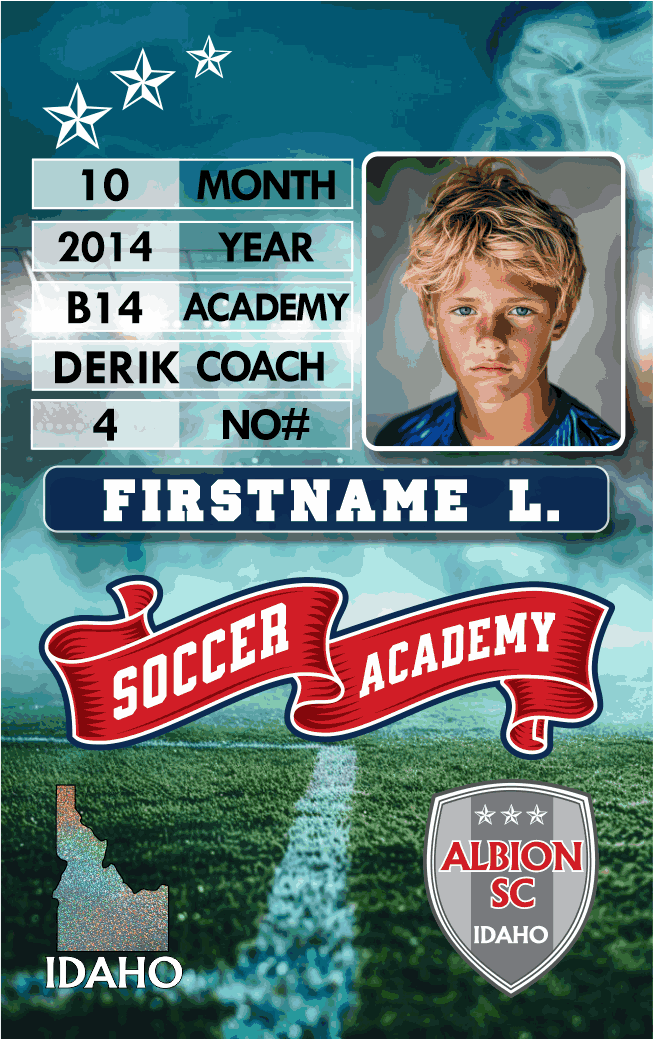
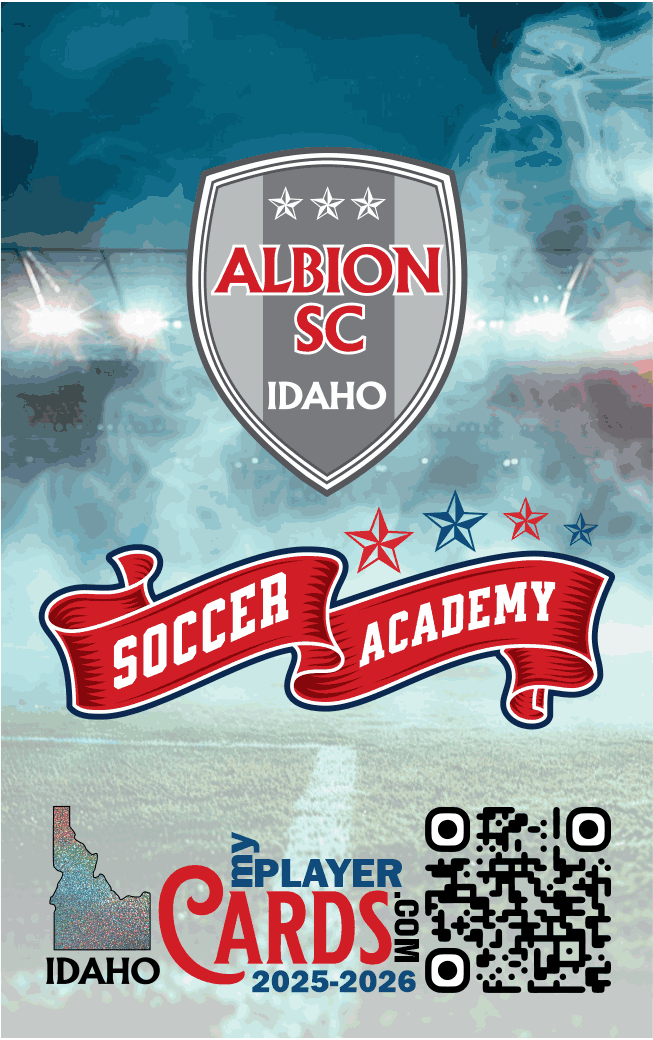
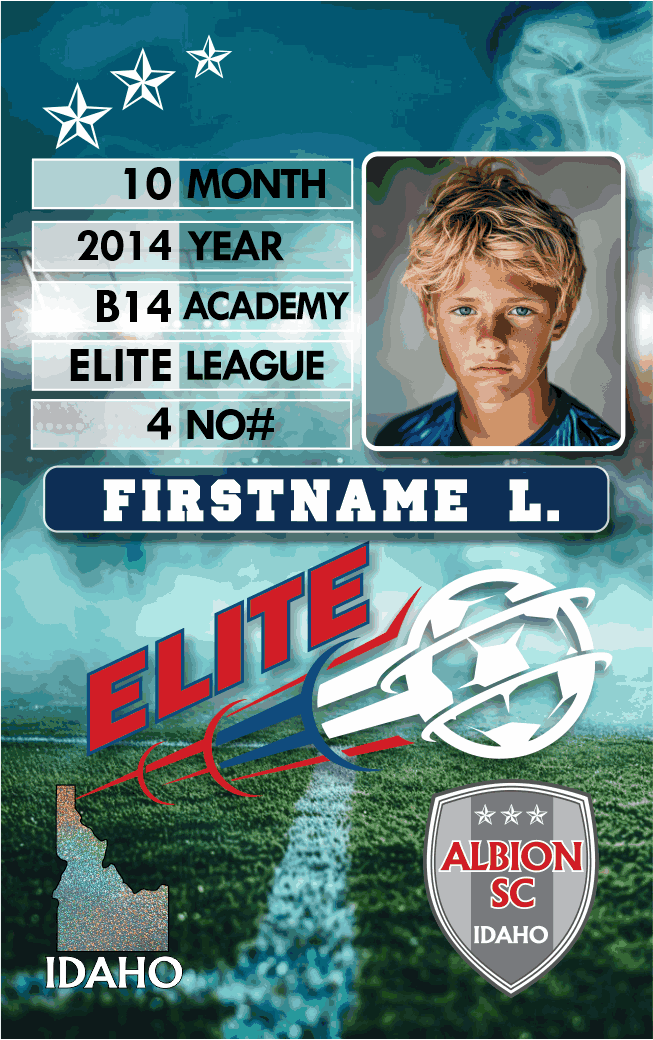
Real card examples
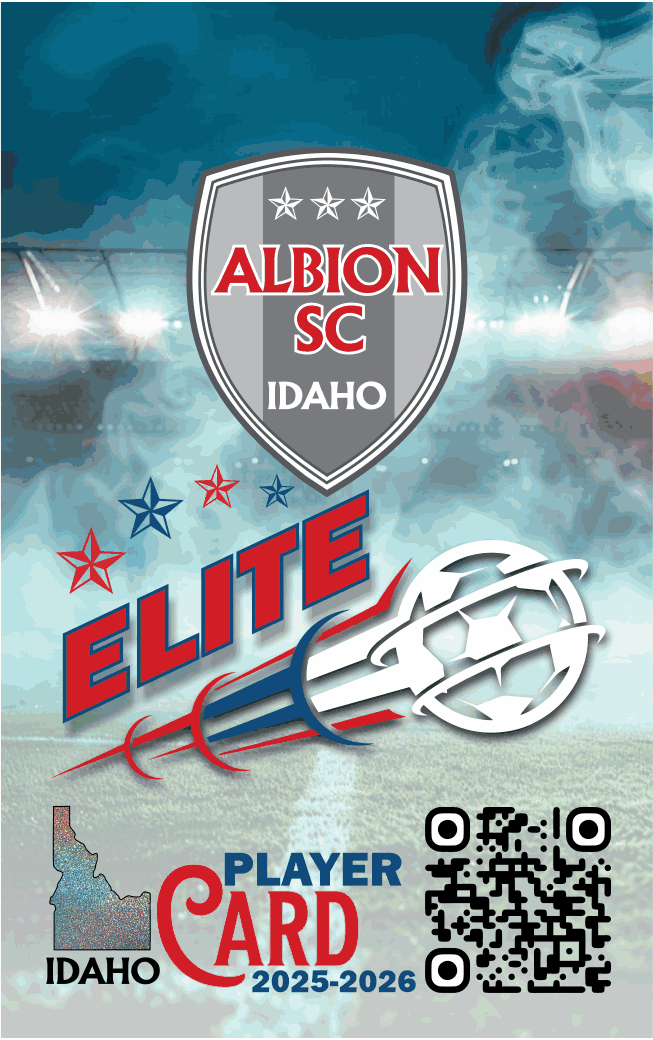
Academy and Elite are the current supported public card examples.
Frequently asked questions
Yes. The service currently does not charge players or families, and the request form does not ask for payment information.
Participating clubs and assigned coaches invite families from a structured roster. Linked Parents or Guardians can also use their authorized portal workflow.
The card and workflow use basic name information, birth month and year, club or team context, and an optional authorized photo. The exact fields depend on the public or portal workflow.
No. The current player model uses birth month and year and does not store an exact birth day.
Authenticated player photos are stored outside the public website and delivered through authorized application routes. The legacy public request upload follows its separately documented order workflow.
Yes. Authorized clubs can organize seasons, teams, coaches, rosters, and request review. Coaches work only with their assigned teams and can follow player card status.
Authenticated users with the correct player, team, or club relationship can view request and production status through the portal.
Supported browsers can install the app. On iPhone or iPad, Safari also offers Add to Home Screen from the Share menu.
Yes. A Guardian account can support multiple players when each child has been explicitly linked to that account.
The application is designed to minimize player information and restrict authenticated access. A formal public privacy policy and deployment-specific review remain production-readiness work.
Contact
Need help with a code or want to bring My Player Cards to a club? Send a short inquiry without sharing child birth details or photos.